
Secure file sharing at work is one of the most overlooked vulnerabilities in Australian small and medium businesses (SMBs) today. While leadership teams invest in firewalls and antivirus software, the everyday act of sharing files (between colleagues, clients, and contractors) continues to expose sensitive data in ways that most business owners never anticipate. In 2026, the consequences of getting this wrong have never been more serious, from regulatory penalties under the Privacy Act 1988 to reputational damage that SMBs simply cannot afford. This post identifies five specific risks your team is likely overlooking right now.

Why Employees Sharing Files Without IT Oversight Is a Ticking Time Bomb
Most data incidents inside SMBs do not begin with a sophisticated cyberattack. They begin with an employee doing something reasonable: sending a document to the wrong person, saving a client file to a personal cloud account, or leaving a shared link active long after a project has closed. These behaviours feel harmless in the moment, but their cumulative effect is significant.
According to the Australian Signals Directorate, 2026, over 87,400 cybercrime reports were received in 2025-26, with data breaches involving unauthorised access to business files ranking among the top incident categories reported by SMBs. That is one report roughly every six minutes across the country. For businesses in Newcastle, the Hunter Region, and the Central Coast, these are not abstract national statistics, they reflect the daily threat environment your team operates in.
The core problem is a gap between what IT policy permits and what employees actually do. Without visibility into file sharing activity, businesses have no way to detect, contain, or evidence a breach when one occurs. The five risks below are where that gap most often becomes a crisis.
Risk 1: Personal Cloud Apps Are Not Business-Grade and Here Is Why That Matters
Unsanctioned file sharing through personal cloud applications is one of the most common risks SMBs face. When employees cannot access the tools they need through official channels, they find their own solutions. Free versions of consumer file-sharing platforms offer no administrative controls, no audit logging, and no data residency guarantees aligned with Australian privacy law.
Consumer-grade apps store data on overseas servers by default, which can conflict with obligations under the Privacy Act. They lack the encryption standards, access controls, and compliance certifications that regulated industries in Australia require. A staff member sharing a client contract through a personal account may not realise they have just moved sensitive data outside the organisation’s legal and security perimeter entirely.
The solution is not to block all cloud tools. It is to standardise on business-grade platforms, such as those within the Microsoft 365 ecosystem, that provide administrator controls, conditional access policies, and compliance-ready data handling. Businesses that have already explored secure remote access for Australian SMBs will recognise this as part of the same governance challenge: unsanctioned tools create blind spots that managed environments are specifically designed to eliminate.
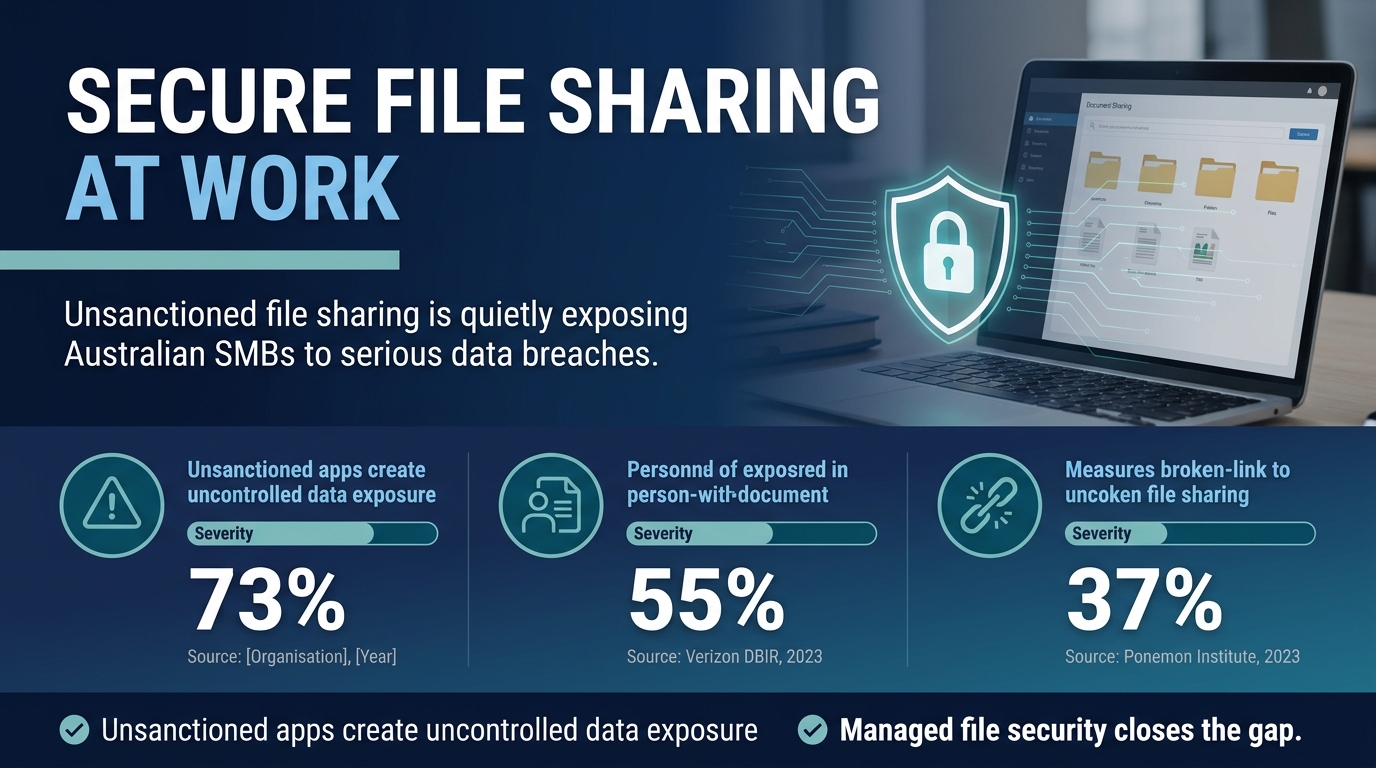
Risk 2: Misdirected Files and the Privacy Act Notification Trap SMBs Fall Into
Sending a file to the wrong recipient is one of the most common human errors in any workplace. It is also one of the most consequential under Australian law. The Office of the Australian Information Commissioner, 2026 found that human error, including misdirected files and improper sharing of sensitive information, remained the second leading cause of notifiable data breaches in Australia, accounting for approximately 30% of all notifications.
Under the Notifiable Data Breaches (NDB) scheme, if a misdirected file contains personal information and the breach is likely to cause serious harm, the business must notify both the affected individuals and the Office of the Australian Information Commissioner (OAIC). Many SMB owners are unaware that a single misaddressed email can trigger a mandatory notification obligation with a 30-day reporting window.
Privacy Act compliance in this context is not just about having a privacy policy on your website. It requires technical controls: data loss prevention (DLP) tools that flag sensitive content before it leaves the organisation, email validation prompts for external recipients, and staff training on what constitutes personal information. Our blog on Privacy Act reforms for Australian SMBs outlines the specific steps businesses should take to reduce this exposure right now.
Risk 3: How Overly Permissive Link Sharing Undermines Secure File Sharing at Work
Most business-grade file platforms allow users to generate shareable links. The problem is the default setting. In many environments, these links are configured to allow access to “anyone with the link” without an expiry date, without a password, and without any restriction on who can forward them further. Once that link is created, it is effectively a public URL pointing to your business data.
The Verizon Data Breach Investigations Report, 2026 found that misconfigured or improperly controlled file-sharing and storage assets featured in a significant proportion of breaches attributed to system intrusion and basic web application attack patterns across small business environments globally. Leaving open sharing links active long after a project ends is precisely the kind of misconfiguration that appears in those statistics.
Governance here means enforcing link-sharing policies at the platform level, not relying on individual employees to remember to revoke access. IT administrators should set maximum link expiry periods, restrict sharing to authenticated users only, and conduct regular audits of active shared links. Businesses concerned about broader endpoint security gaps in Australia will find that link-sharing controls are a natural extension of the same access governance framework.
Risk 4: No Audit Trail Means No Proof When a Data Breach Investigation Begins
When a data breach investigation begins, the first question regulators and insurers ask is: what happened, when did it happen, and who had access? If your file-sharing environment has no audit logging, you cannot answer any of those questions. That absence of evidence is itself a compliance failure and can significantly worsen the regulatory and legal outcome for your business.
Audit trails serve two functions. First, they support incident response by enabling your team to trace exactly which files were accessed, shared, or downloaded and by whom. Second, they provide evidence of due diligence, demonstrating to regulators that your organisation had appropriate oversight controls in place even if a breach still occurred. Without logs, you lose both capabilities simultaneously.
For SMBs in Sydney and the Hunter Region seeking alignment with frameworks such as the Essential Eight or ISO 27001, audit logging is a non-negotiable control. Platforms like Microsoft SharePoint and OneDrive for Business provide detailed activity logging when properly configured by a managed IT provider. If your current environment lacks this, it is worth reviewing your vulnerability management blind spots to understand the full picture of your exposure.
The NIST Cybersecurity Framework specifically identifies logging and monitoring as core protective and detective controls for information assets. Australian SMBs that want to demonstrate security maturity, whether to insurers, clients, or auditors, must treat audit trails as a baseline requirement, not an optional extra.
Risk 5: Offboarding Failures That Leave Former Staff With Ongoing File Access
Employee offboarding is one of the most consistently mishandled processes in SMB IT security. When a staff member leaves (whether through resignation, redundancy, or termination) their accounts and access rights must be revoked promptly and completely. In practice, this often does not happen. Shared folder access, collaboration platform memberships, and personal file-sharing links created by that employee may remain active for weeks or months after their departure.
This is not a theoretical risk. Former employees retain the ability to download, copy, or exfiltrate business data for as long as their access credentials remain valid. In contentious departures, this creates a direct data theft exposure. In less adversarial circumstances, it still represents a compliance failure if that individual’s ongoing access is ever discovered during an audit or breach investigation.
A structured offboarding checklist should include immediate account deactivation, revocation of all shared links created by the user, transfer of file ownership to the relevant manager, and a review of any third-party integrations that used the former employee’s credentials. Businesses dealing with encrypted messaging app security risks will find that offboarding exposes the same category of problem: access that was granted quickly and revoked slowly, if at all.
Managed IT services provide automated offboarding workflows that remove this dependency on manual processes and human memory. For Newcastle and Hunter Region businesses managing a mobile or contract workforce, this level of automation is not a luxury, it is a fundamental control.
“The challenge is not that SMBs are careless. It is that file sharing risks are invisible until they are not. By then, the cost of fixing them is always greater than the cost of preventing them.”

What Secure File Sharing at Work Actually Looks Like in Practice
Implementing secure file sharing at work does not require replacing every tool your team currently uses. It requires applying the right governance layer to the tools you already have, closing the gaps between what employees do by default and what your security policy requires. The five risks outlined above are addressable with a combination of platform configuration, policy enforcement, staff training, and managed oversight.
Data loss prevention tools can flag sensitive content before it leaves your network. Conditional access policies can block personal cloud applications from being used on work devices. Link expiry settings can be enforced at the tenant level. Offboarding workflows can be automated through your identity management platform. Audit logs can be centralised into a security information platform your IT team or managed services partner reviews regularly.
For SMBs that have also navigated questions around AI tools in the workplace, the governance principles are closely aligned: when employees use tools outside approved channels, the organisation loses visibility, control, and accountability. File sharing security solutions must be designed with the same intention as any other data governance control.
Adept IT Solutions partners with businesses across Newcastle, the Hunter Region, the Central Coast, and Sydney to implement file sharing security solutions that are practical, policy-driven, and built for the way Australian SMBs actually operate. If any of the five risks in this post reflect something you have seen in your own business, now is the right time to act. Contact Adept IT Solutions to arrange a no-obligation conversation with our team about how to strengthen your file sharing governance today.
Frequently Asked Questions
Q: What is the biggest risk of not having secure file sharing at work for an Australian SMB?
A: The biggest risk is a notifiable data breach triggered by employee behaviour, such as sending a file to the wrong person or sharing a link that remains publicly accessible. Under Australia’s Notifiable Data Breaches scheme, businesses that fail to report a qualifying breach within the required timeframe face significant regulatory penalties from the OAIC. Beyond the legal consequences, the reputational impact on an SMB can be severe and long-lasting.
Q: Are free cloud tools like personal Google Drive or Dropbox accounts acceptable for sharing business files?
A: No. Consumer-grade tools lack the administrative controls, audit logging, data residency guarantees, and compliance certifications required for business use under Australian privacy law. Unsanctioned file sharing through personal cloud accounts removes data from your organisation’s security perimeter entirely. SMBs should standardise on business-grade platforms with enforced access policies managed by a qualified IT provider.
Q: How can data loss prevention tools help with file sharing security solutions for small businesses?
A: Data loss prevention (DLP) tools monitor content in real time and can automatically block or flag the transmission of sensitive information (such as personal data, financial records, or confidential contracts) before it leaves your approved environment. When integrated with platforms like Microsoft 365, DLP policies can be enforced across email, SharePoint, OneDrive, and Teams simultaneously, giving your business a consistent and auditable control layer across all file sharing activity.
Q: What should an SMB do immediately if a file has been shared with the wrong person?
A: Act immediately: revoke access to the file or link, notify your IT team or managed IT provider, and assess whether the file contained personal information as defined under the Privacy Act 1988. If it did, and if there is a likelihood of serious harm to the affected individuals, you may have an obligation to notify both the OAIC and those individuals within 30 days. Document every step of your response. Early, structured action significantly reduces both regulatory and reputational risk.
Get in touch with our team of IT experts today! You can contact us via phone at 1300 423 378 or email us at info@adept-it.com.au.

